
safe
Zoom Rooms Controller cover

Zoom Rooms Controller

4.1
Advertisement
ComplianceLaw-aligned
CategoryBusiness
Download5M+
Safety100% Safe
PriceFree
Developerzoom.us
Advertisement

Screenshots

Zoom Rooms Controller screenshot

About this app

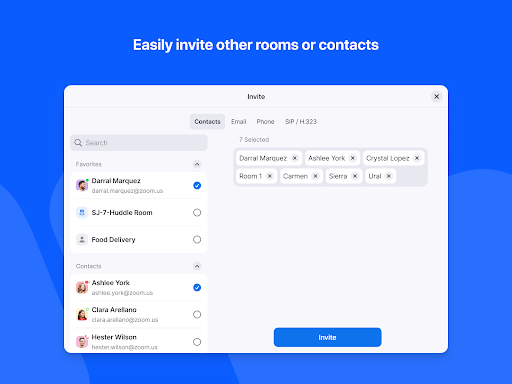
Fed up with messy cables and complex setups before your important meeting? 😩 Picture walking into a conference room and with just one tap, your presentation appears and your team connects effortlessly. ✨ Zoom Rooms turns that vision into reality, converting any space into a professional video conferencing hub. With over 100 million participants joining Zoom meetings daily, it's the dependable choice for easy collaboration. 🚀 Enjoy crystal-clear video and audio that make remote participants feel present with you. 🗣️ Prepare to transform your meetings from disorderly to engaging! 🎉

Seamless Meetings

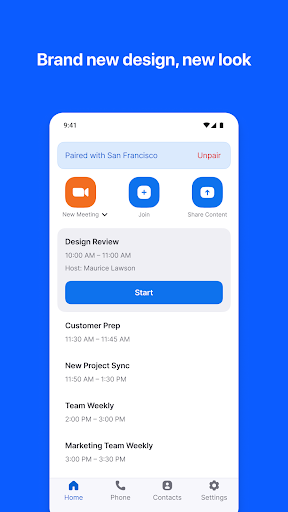
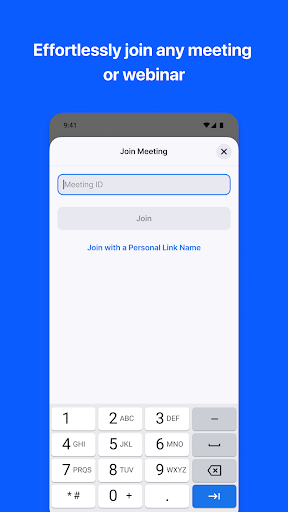
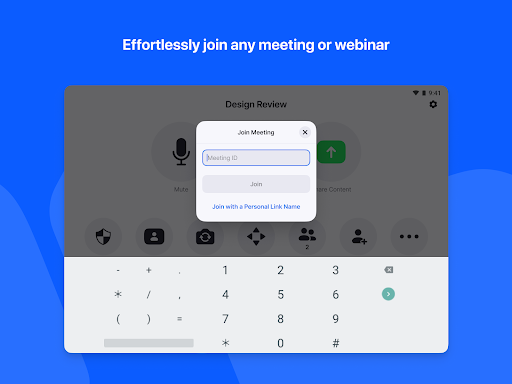
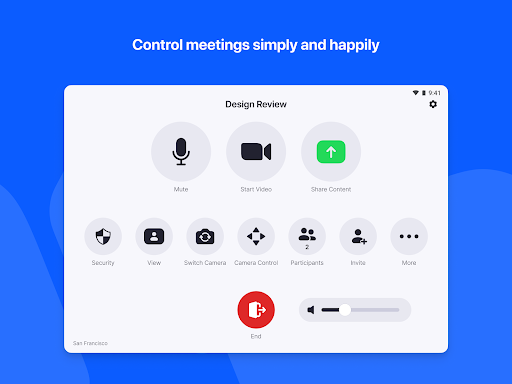
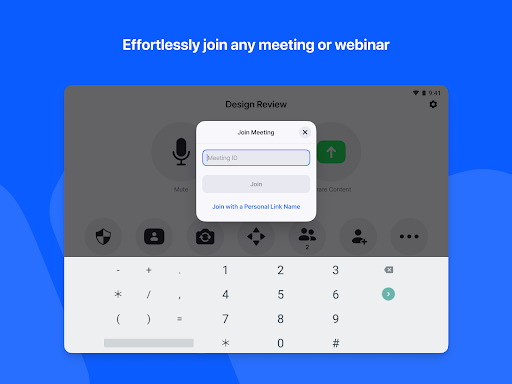
Initiate or join meetings immediately with a single tap. Ideal for busy professionals requiring swift connections free of technical trouble. ⚡️ Enhance your team's efficiency and eliminate delayed beginnings. This feature is perfect for those who prioritize productivity and seamless communication in their everyday routine. 🤝

Wireless Sharing

Share your screen wirelessly from any device with no cord clutter. 💻 Great for brainstorming and presentations requiring immediate display of ideas. This enables presenters and collaborators to share content smoothly, rendering meetings more lively and captivating for all participants. 🌟

Smart Room Control

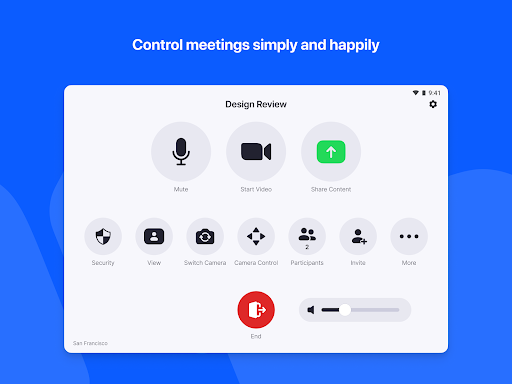
Control audio, video, and even room lighting through an easy-to-use interface. 💡 Excellent for fine-tuning your meeting environment to enhance concentration and comfort. This delivers unified management, guaranteeing your meeting room is always prepared for success, aiding users who desire a sleek and professional presentation consistently. ✅


Advantages

The installation process is exceptionally simple, integrating seamlessly with well-known calendar systems such as Google Calendar and Office 365, lowering IT expenses and allowing quick rollout in many rooms.
Zoom Rooms delivers superb video and audio quality, guaranteeing that every participant, both local and remote, enjoys a distinct and engaging communication experience.
The ability to manage Zoom Rooms from personal mobile phones boosts convenience, enabling users to operate meetings privately and effectively without requiring presence at the primary control panel.

Updates

Updated: June 2026

Seamless Meetings

Initiate or join meetings immediately with a single tap. Ideal for busy professionals requiring swift connections free of technical trouble. ⚡️ Enhance your team's efficiency and eliminate delayed beginnings. This feature is perfect for those who prioritize productivity and seamless communication in their everyday routine. 🤝

Wireless Sharing

Share your screen wirelessly from any device with no cord clutter. 💻 Great for brainstorming and presentations requiring immediate display of ideas. This enables presenters and collaborators to share content smoothly, rendering meetings more lively and captivating for all participants. 🌟

Smart Room Control

Control audio, video, and even room lighting through an easy-to-use interface. 💡 Excellent for fine-tuning your meeting environment to enhance concentration and comfort. This delivers unified management, guaranteeing your meeting room is always prepared for success, aiding users who desire a sleek and professional presentation consistently. ✅

What Users Say

77
R

I adore the one-tap join! I wish there were additional themes.

58
R

Wireless screen sharing is a lifesaver. It requires improved Android compatibility.

100
R

Room controls are very intuitive. Occasionally there is a minor lag.

83
R

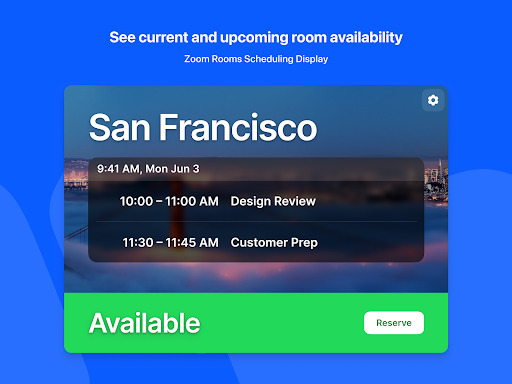
Excellent video quality! Could benefit from offline scheduling visibility.

81
R

Starting meetings is simple. The app could be less heavy.

Download this App

Similar Apps