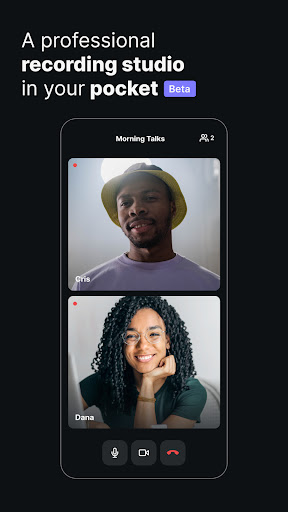
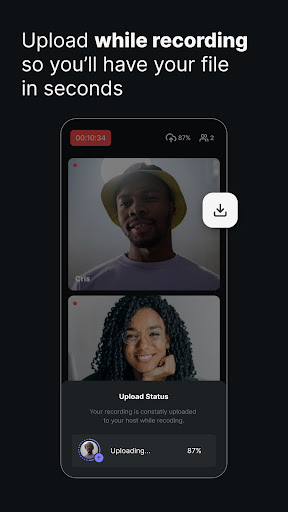
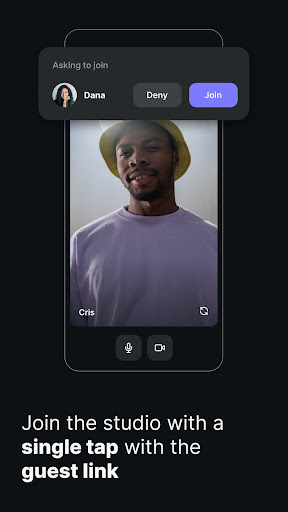
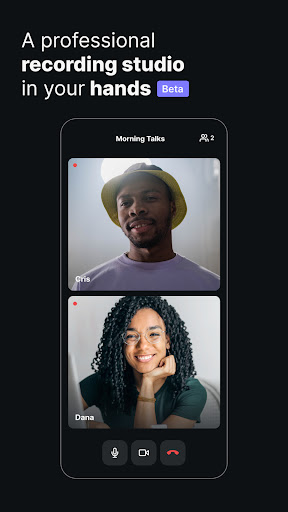
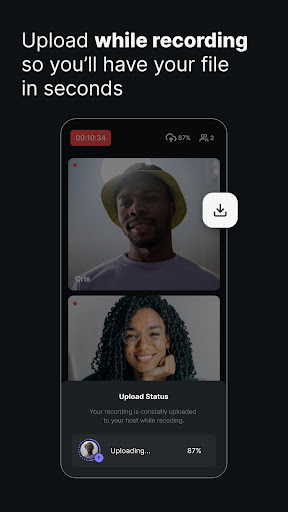
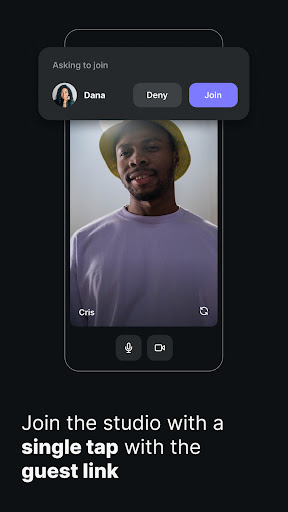
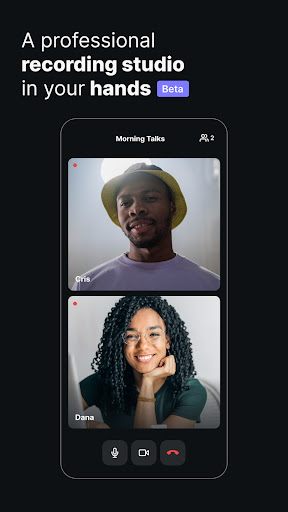
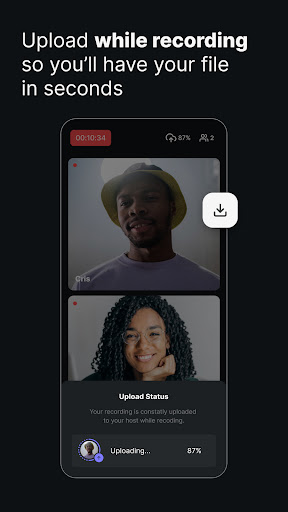
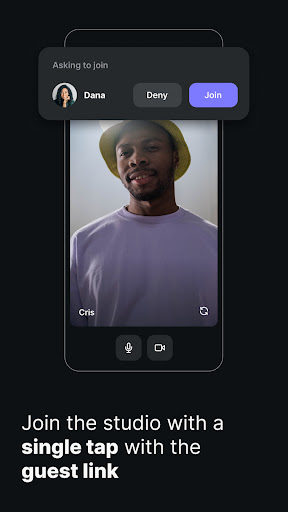
Have you ever needed to record a podcast or video interview but feared a shaky internet would ruin your perfect take? 😥 Riverside.fm has got you! Imagine capturing crystal-clear audio and gorgeous 4K video, even in a busy café or on a distant trip. 🏞️ With local recording, your content saves directly to your device, giving you studio-quality output every time, regardless of Wi-Fi. Users love the seamless experience, and TED Talks mentions its ability to get excellent recordings from remote participants. ✨ Become part of thousands of creators who are enhancing their content effortlessly! 🚀
Local Recording
Say goodbye to concerns about weak connections! Record locally on your device in up to 4K video and WAV audio, guaranteeing studio-quality content no matter your internet speed. Ideal for anyone recording while traveling or in variable environments. 🎙️
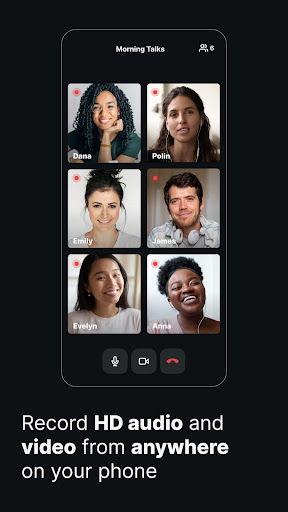
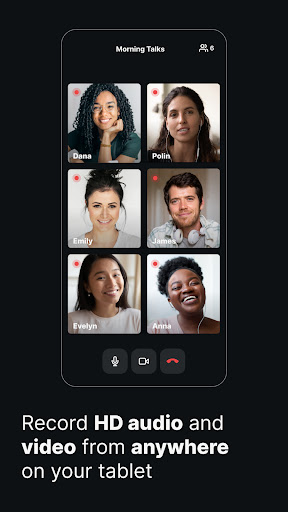
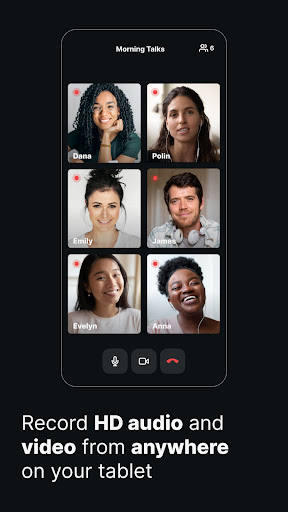
Multi-Participant
Bring up to 8 participants into your session, with each recorded locally for premium quality. Perfect for interviews, panel discussions, or collaborations, ensuring everyone's audio and video are at their best. 🧑🤝🧑
Mobile Webcam
Use Multicam mode to turn your smartphone into a professional secondary webcam. Enhance your desktop recordings with better camera quality, ideal for interactive webinars and captivating videos. 📱