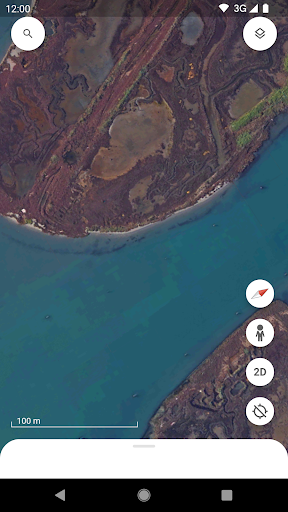
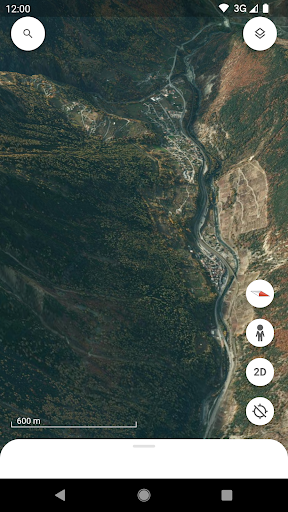
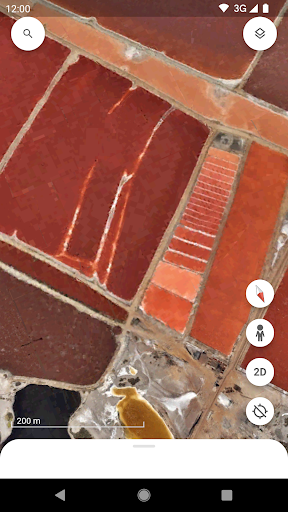
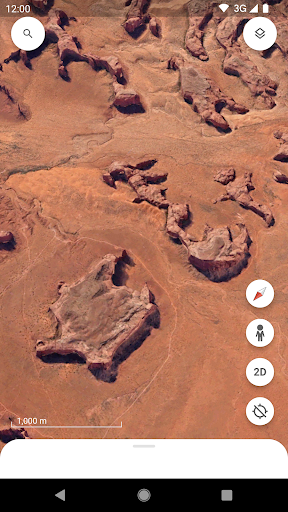
Long for globe-trotting from your couch? 🌍 Google Earth makes it real, turning your device into a portal to far-off places and historical sites. Imagine planning your next vacation by virtually walking through Rome's streets or examining the Amazon jungle in amazing detail. 🌳 Backed by more than 30 years of satellite images and 360° Street View, it's like having a passport in your pocket, giving extraordinary access to world wonders for students, adventurers, and the endlessly curious. 🗺️ Discover hidden gems and familiar locations with just a tap! ✨
Satellite View
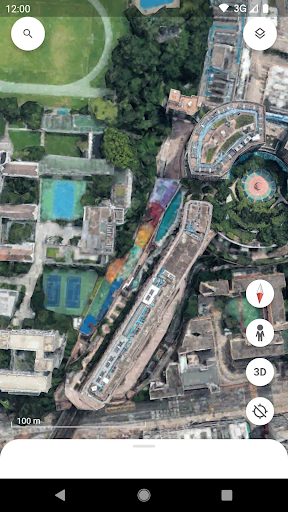
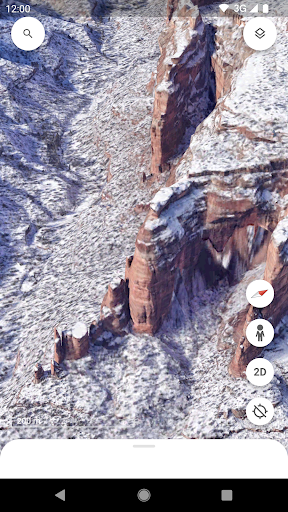
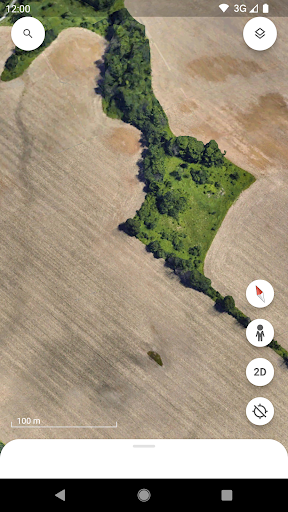
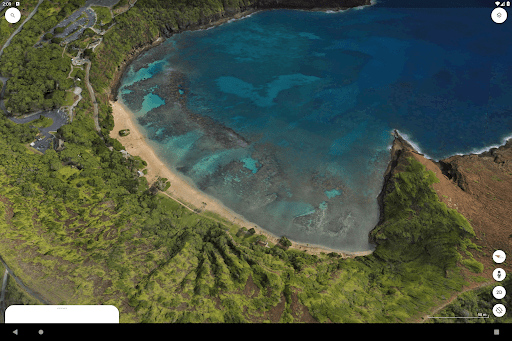
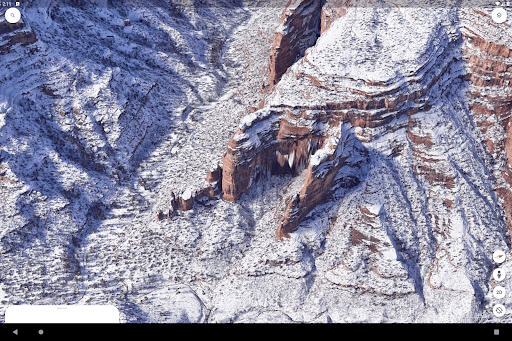
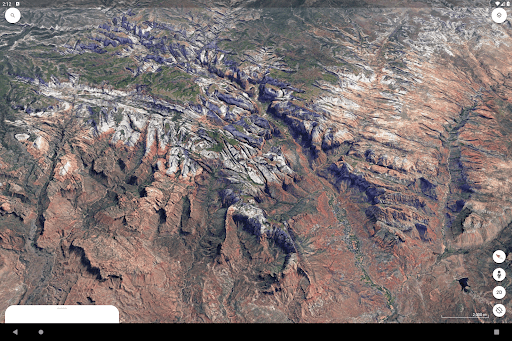
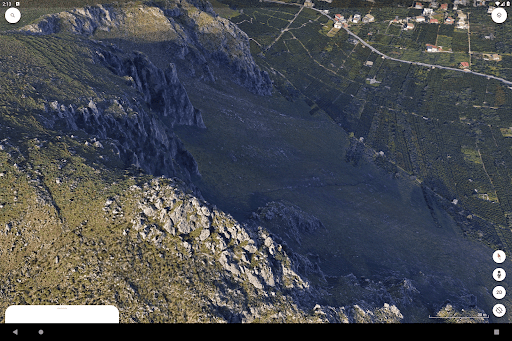
Explore amazing, high-resolution satellite images of Earth's landscape. Ideal for armchair travelers, geography students, or anyone intrigued by faraway places. See mountains, oceans, and continents from a fresh perspective. 🌍
3D Buildings
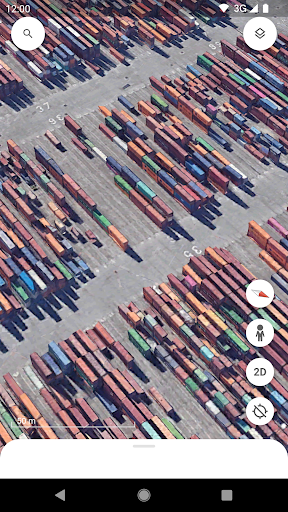
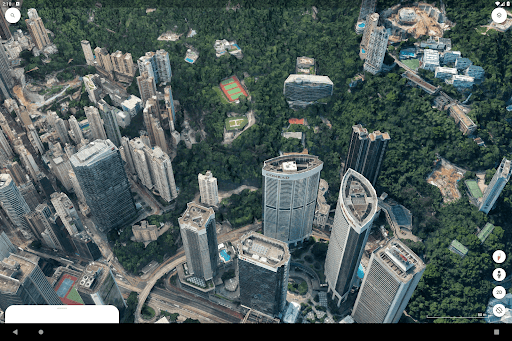
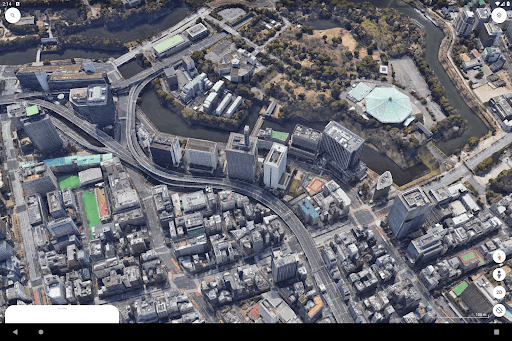
Examine detailed 3D models of cities around the world. Perfect for urban planners, architects, or visitors who want to check out cityscapes beforehand. Get a real sense of scale and urban environment. 🏙️
Street View
Immerse yourself in 360° street-level perspectives. Great for travelers previewing destinations, local explorers, or reliving past trips. It makes neighborhoods come alive. 🚶♀️
Cross-Device Project Collaboration
Create and edit data-filled maps that sync immediately through Google Drive, enabling a seamless transition between mobile and desktop. This is very valuable for field crews and scientists who can now collaborate on shared geographic projects in real time from any location.
Mobile Mapping & Annotation
Utilize new mobile creation tools to drop pins, draw lines, and add shapes directly onto the 3D globe from your Android device. This update allows users like environmental researchers or city planners to mark specific points and collect data during field work without requiring a laptop.
Direct Camera & Media Integration
Enhance your map projects by snapping pictures with your phone's camera and attaching them directly to specific coordinates. Ideal for documenting site visits, environmental changes, or travel discoveries, adding rich visual context to your personal or collaborative maps.
Redesigned Fluid Interface
Experience a renewed Flutter-based interface with simplified bottom-bar navigation and a faster account switcher. The redesign streamlines the user workflow, making it much simpler to move between personal mapping projects, 3D exploration, and Street View.
Precision Distance Measurement
Quickly measure accurate distances and areas between multiple points on the globe with the dedicated dynamic measurement tool. This feature is highly useful for hikers planning trails, teachers demonstrating scale, or professionals verifying property and land boundaries.
Immersive 3D Urban Exploration
Soar over hundreds of cities and natural wonders in high-resolution 3D imagery just by tilting your screen. This tool is excellent for virtual travel and architectural analysis, allowing users to understand the terrain and scale of a place with lifelike accuracy.