safe
Gboard - the Google Keyboard cover

Gboard - the Google Keyboard

4.5
Advertisement
ComplianceLaw-aligned
CategoryTools
Download5B+
Safety100% Safe
PriceFree
DeveloperGoogle LLC
Advertisement

Screenshots

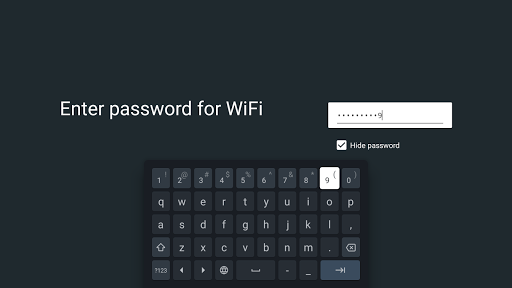
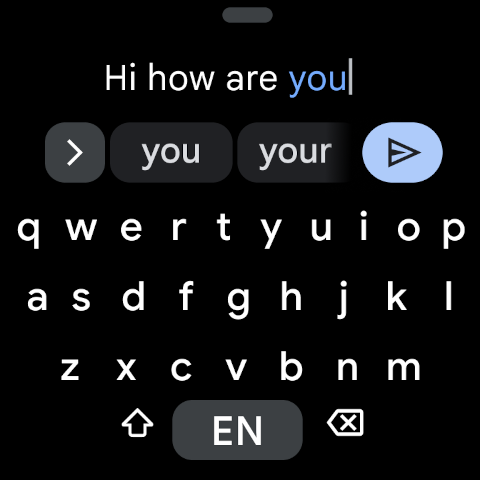
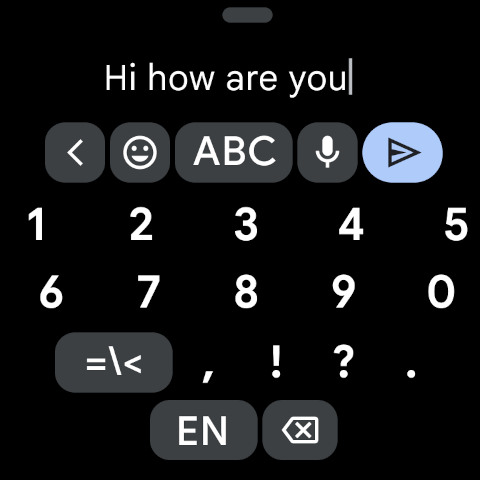
Gboard - the Google Keyboard screenshot

About this app

Tired of fighting with your phone's keyboard? 😩 Imagine gliding through typing on the move or translating conversations instantly while traveling. ✈️ Gboard makes that possible, transforming your typing with smart features that save time and reduce frustration. With over 1 billion downloads, it's clear users love its speed and smart predictions. ✨ Ready to type better? Get Gboard and unlock a world of seamless communication! πŸš€

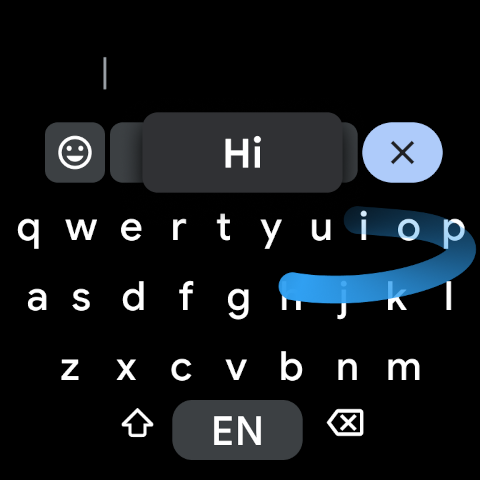
Glide Typing

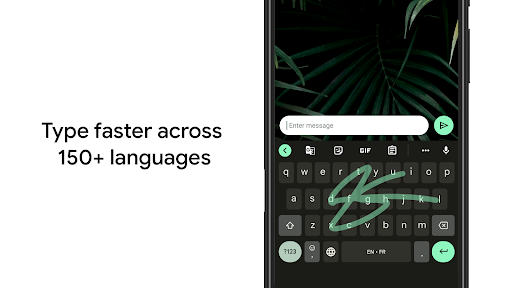
Effortlessly type by sliding your finger over letters. Perfect for quick messages when you're occupied or on the go. πŸƒβ€β™€οΈ It transforms speed and convenience, providing a smoother, more intuitive typing experience for all. βœ…

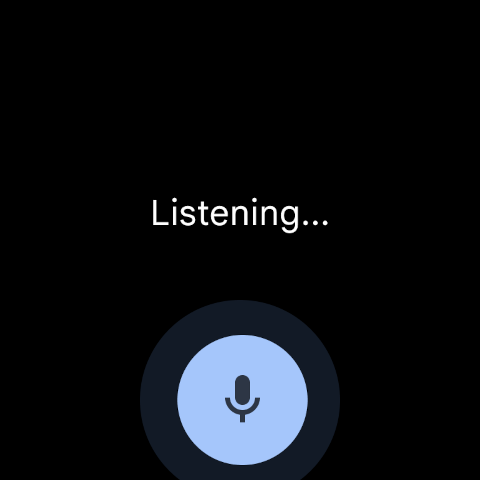
Voice Typing

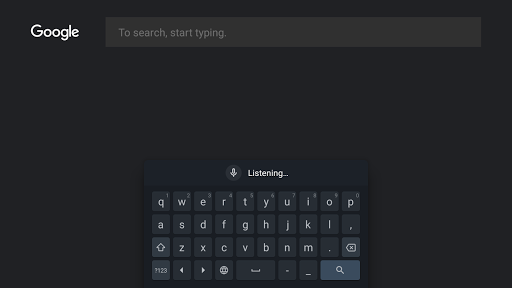
Compose messages using just your voice, ideal for hands-free situations or when typing is inconvenient. 🎀 Speak your mind and let Gboard handle it, offering accuracy and ease for every conversation. πŸ—£οΈ

Multilingual Typing

Switch between languages seamlessly without changing settings. Gboard's intelligent predictions and autocorrect manage multiple languages simultaneously. 🌍 Perfect for travelers or anyone communicating in several languages. 🌐

Full Cursor Trackpad Mode

Converts the entire keyboard into a responsive trackpad when you long-press the space bar, allowing precise cursor movement in any direction (up, down, left, right) to simplify editing on large or foldable screens.

Adjustable Keyboard Font Size

Provides an independent option to resize the font of keyboard keys and symbols without altering system settings, significantly improving readability and comfort for users with different vision requirements.

On-Device AI Writing Tools

Uses generative AI for one-tap proofreading, grammar fixes, and tone adjustments (e.g., making it formal or concise), allowing users to refine their writing privately without any data leaving the device.

Scan Text to Input

Integrates camera capabilities directly into the keyboard to scan printed text from documents, labels, or signs and instantly paste it into any input field, eliminating the need for manual typing.

Flick Keys for Quick Symbols

Accelerates symbol entry by allowing you to tap a key and swipe downward to select additional characters, providing a speedy, tablet-like typing experience on smartphones.

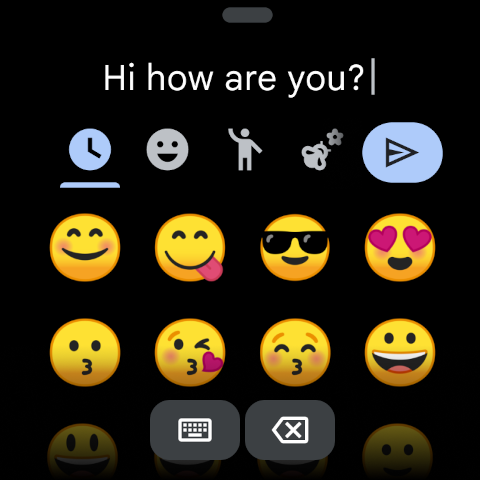
Redesigned Emoji Kitchen & Browse

Adds a 'Browse' mode to discover over 40,000 unique emoji mashup stickers, making it easier to personalize conversations with creative and expressive visuals.

Advantages

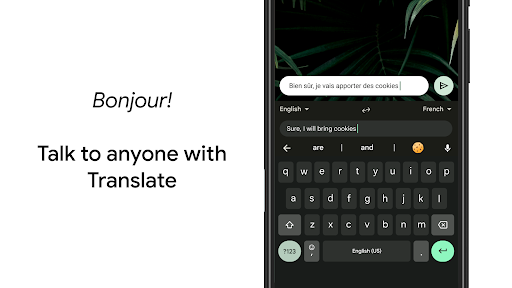
Integrating Google Translate directly into the keyboard is revolutionary, instantly breaking down language barriers and making international communication effortless. It's like having a personal translator on standby, saving a ton of time and hassle. 🌍
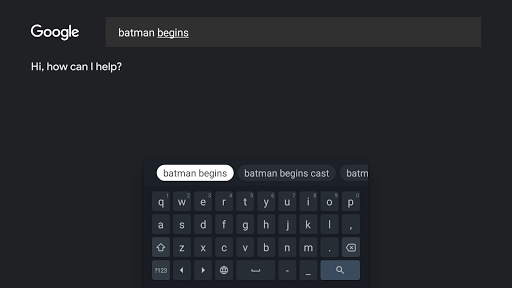
Gboard's predictive text and autocorrect are incredibly accurate, learning your typing style over time to deliver perfect suggestions. This greatly reduces mistakes and speeds up your typing, making conversations more efficient and enjoyable. ✍️
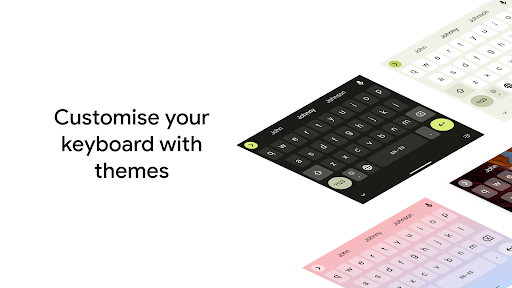
The customization options, from themes to a persistent number row, allow users to tailor the keyboard exactly to their preferences. This personalization enhances functionality and gives typing a unique feel, boosting overall satisfaction. ✨

Updates

Updated: June 2026

Glide Typing

Effortlessly type by sliding your finger over letters. Perfect for quick messages when you're occupied or on the go. πŸƒβ€β™€οΈ It transforms speed and convenience, providing a smoother, more intuitive typing experience for all. βœ…

Voice Typing

Compose messages using just your voice, ideal for hands-free situations or when typing is inconvenient. 🎀 Speak your mind and let Gboard handle it, offering accuracy and ease for every conversation. πŸ—£οΈ

Multilingual Typing

Switch between languages seamlessly without changing settings. Gboard's intelligent predictions and autocorrect manage multiple languages simultaneously. 🌍 Perfect for travelers or anyone communicating in several languages. 🌐

What Users Say

84
R

I love the glide typing! It's super fast. Just wish there were more emoji options. πŸ€”

58
R

Multilingual typing is a lifesaver for my travels! ✈️ Could be better for less common languages.

89
R

Voice typing is amazingly accurate. πŸ’― Ideal for when my hands are occupied!

87
R

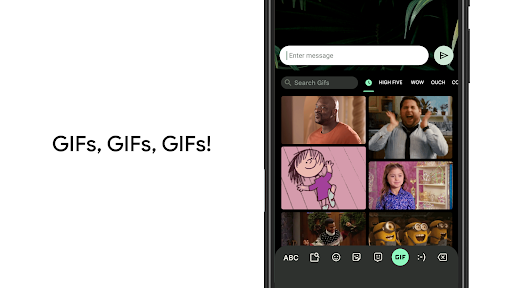
Searching for GIFs is fun! πŸŽ‰ Would love more animated stickers.

77
R

Gboard is reliable and fast. Highly recommend it! πŸ‘

Download this App

Similar Apps