

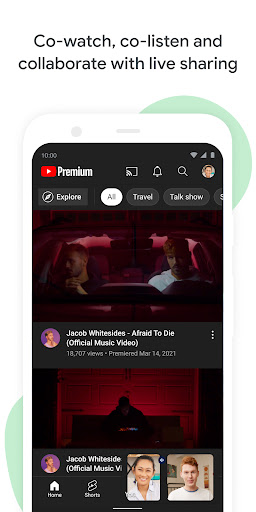











Fed up with missing key moments or feeling out of touch with those who matter? 😅 Google Meet transforms scattered interactions into seamless connections, spanning any distance with crisp video and audio. Picture effortlessly joining a global family gathering or collaborating with teammates on a vital project without hiccups. ✨ With millions already experiencing better communication, Meet brings people together, making every interaction count, whether it's a brief chat or a critical work session. 🚀 Join a community that prioritizes connection and efficiency! 🌟
Instant & Scheduled Calls
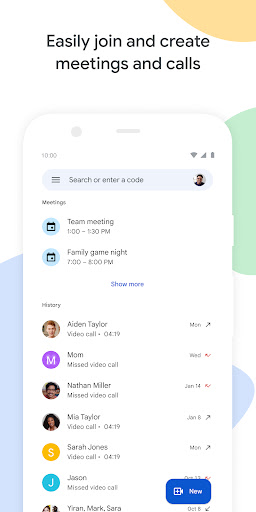
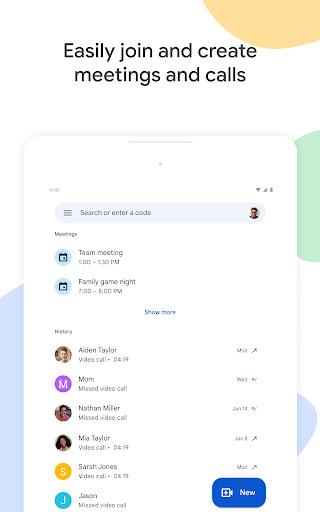
Want to talk immediately or plan ahead? 📞 Initiate spontaneous calls or schedule gatherings with friends, family, or coworkers seamlessly. Ideal for fast check-ins or crucial conversations, ensuring you stay linked whenever it matters. 🤝
Video Messaging
Missed a live connection? 📹 Send and receive video messages for those one-on-one or group chats where timing is flexible. It's an engaging way to share updates and keep discussions alive without requiring simultaneous availability. 💬
Cross-Device Access
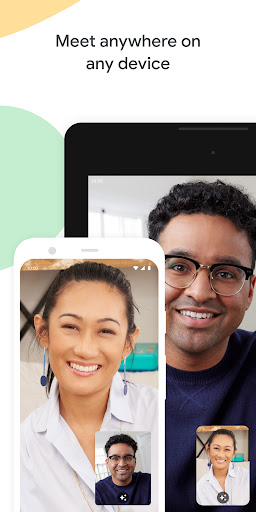
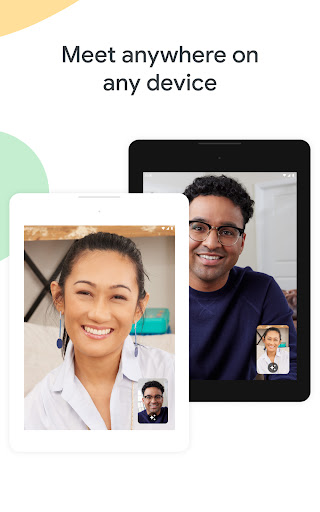
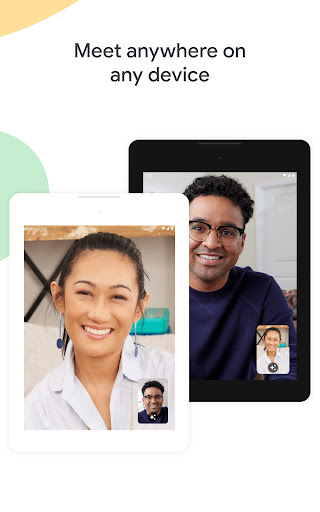
Participate from any location, any time! 📱💻 Meet functions flawlessly across mobile, tablet, and web, so everyone can join regardless of their device. Stay connected whether you're traveling or at your workstation. 🌐
AI-Powered "Take Notes for Me" Controls
Users can now adjust Gemini-powered note-taking and transcription settings directly in the pre-join 'green room.' This feature offers immediate control over meeting documentation and privacy before the call starts, ensuring participants are informed about active AI recording.
Automatic Room Check-In
Employs ultrasonic signals to detect when a mobile device is physically inside a conference room. The app then automatically suggests 'Companion Mode' on the join screen, which prevents disruptive audio feedback and echo during hybrid meetings by muting local device audio.
Real-Time Speech-to-Speech Translation
Integrates advanced Gemini AI to deliver live, near-instant translation for over 60 languages. This enables global teams to converse in their native languages during calls, with translated audio and captions bridging language gaps in real time.
Mobile Add-ons Integration
Introduces the 'Activities' panel to Android, allowing users to find and utilize third-party productivity apps within the Meet interface. This enables seamless collaboration on tasks like whiteboarding or document editing without needing to switch between applications.
Expressive Live Captions
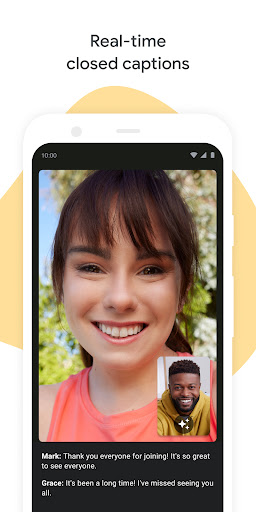
Upgraded AI captions now identify and display emotional context, such as whether a speaker sounds 'joyful' or 'serious.' This helps remote participants better grasp the tone and sentiment of the conversation, improving overall communication clarity.