
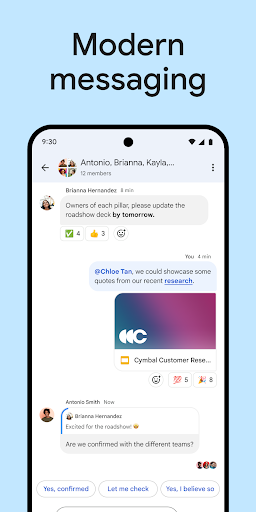

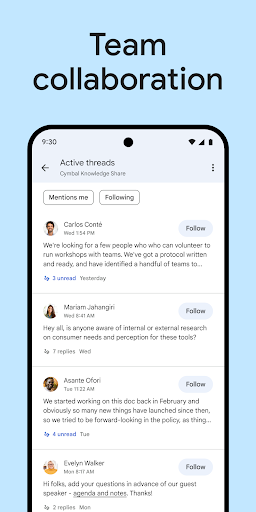
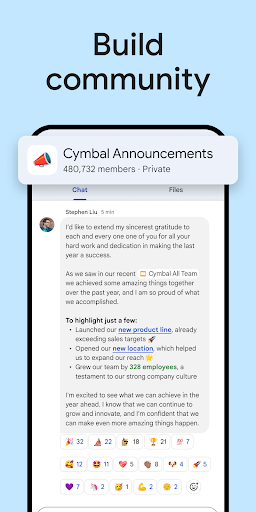
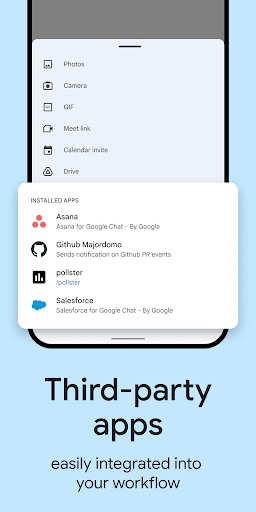









Tired of endless email threads and disorganized project files? 😩 Imagine collaborating smoothly with your team, turning ideas into results instantly, all within a secure, user-friendly platform. Google Chat streamlines your workflow, making teamwork more fluid than ever. Join millions who are boosting productivity and cutting through communication chaos every day! ✨ Try it and see the difference. 🚀
Seamless Collaboration
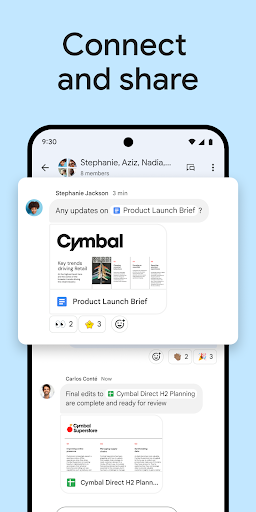
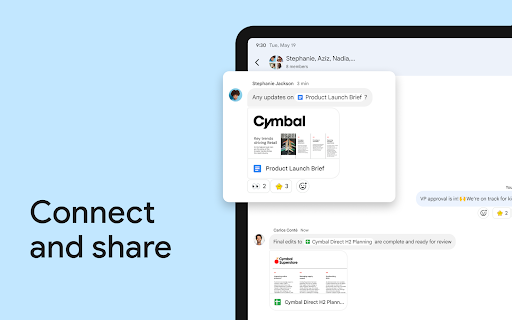
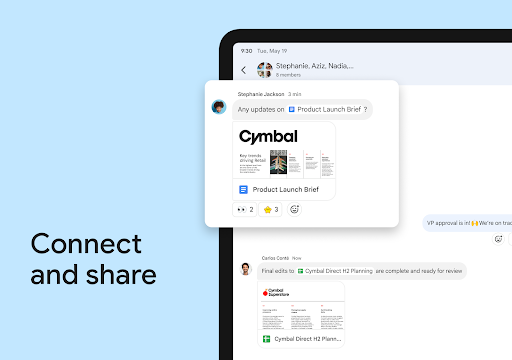
Create and share Google Workspace docs, sheets, and slides directly in chats, eliminating permission headaches. Perfect for teams needing quick content collaboration and real-time updates. 🤝 Speeds up project progress immediately. 🚀
Integrated Workspace
Schedule meetings, plan events, assign tasks, and share files alongside editors. Great for project leads and coworkers who want a central hub for all work activities. 🗓️ Boosts team productivity. ✅
Powerful Search
Quickly find specific chats and shared files using Google's robust search. Essential for anyone who needs to recall past conversations or locate key documents fast. 🔍 Saves valuable time. 💡
Gemini File Summaries on Mobile
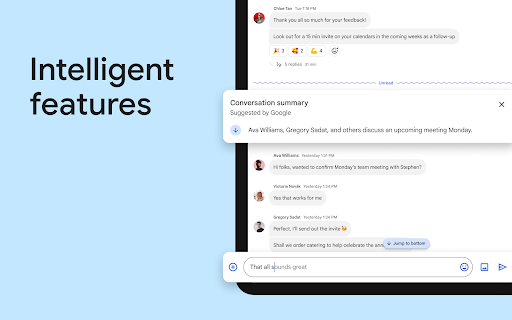
Users can now use Gemini AI to generate instant summaries of shared Google Docs, PDFs, and Sheets within the mobile app. This allows for quick info gathering without opening other files or switching apps.
Persistent Meet-to-Chat Conversations
Messages sent during a Google Meet session are now automatically saved and accessible in a related Google Chat thread after the meeting ends. This ensures that shared links, comments, and important resources remain searchable and usable for everyone.
Inline Threading for Direct Messages
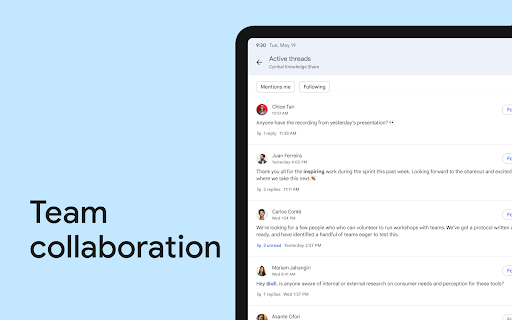
The app now includes inline threading for one-on-one and group DMs, letting users reply to specific messages and create structured sub-conversations. This feature improves chat clarity and helps teams track multiple topics without cluttering the main screen.
Enhanced Security with Unknown Sender Blocking
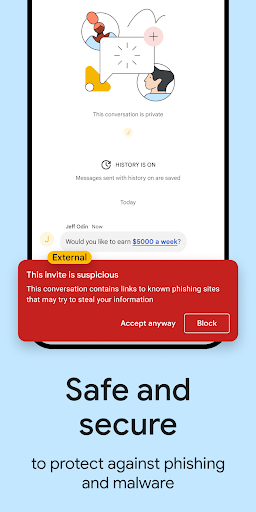
A new privacy option allows users to restrict incoming chat requests to only known contacts. This change gives users greater control over their inbox by actively blocking unwanted messages from strangers.
Redesigned Navigation and Header
The redesigned conversation header provides a cleaner interface and quicker access to shared files, tasks, and pins. This layout upgrade reduces cognitive load and helps users navigate between different collaboration tools more smoothly.
Expressive Communication with Stickers
Google Chat now includes a set of expressive stickers in addition to existing emojis and GIFs. This new feature gives users more creative ways to express mood and emotion in both work and casual chats.