
Imagine transforming a plain T-shirt into a unique masterpiece or crafting birthday cards that wow everyone. ✨ With Cricut Design Space™, bringing these creative visions to life is simpler than ever! Whether you're a seasoned crafter or just starting, this app unlocks endless design possibilities. Connect effortlessly with your Cricut machine to see your ideas become reality, from precise cuts to beautiful sketches. Join millions already creating and sharing their fantastic projects every day! 🚀 Ready to unleash your creativity and make something extraordinary today. 🎨
Design & Cut
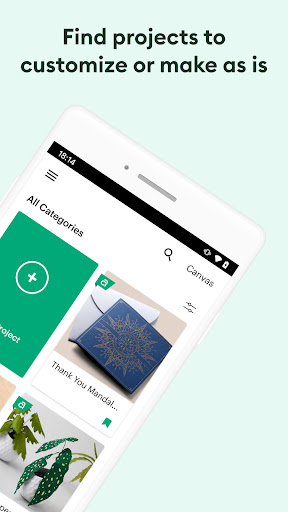
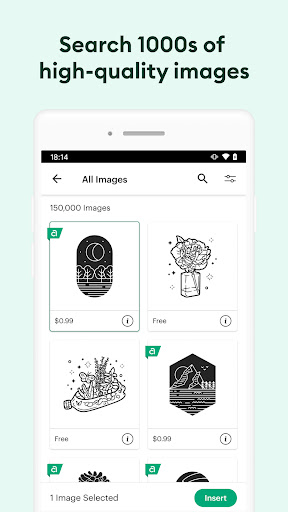
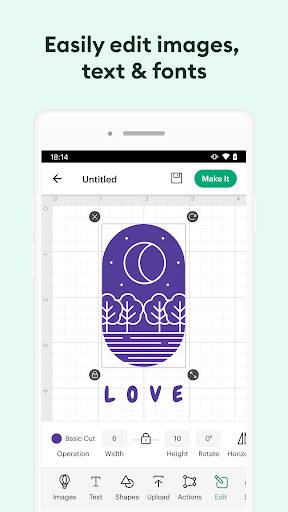
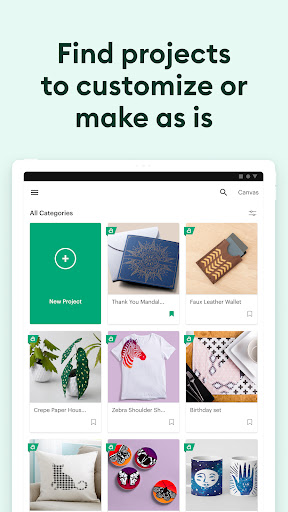
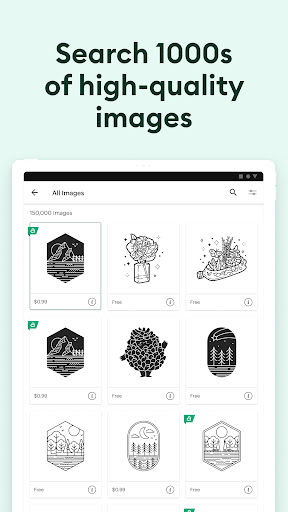
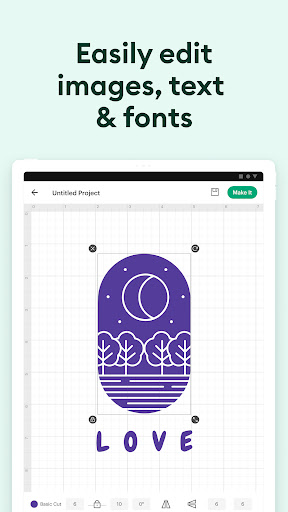
Unleash your creativity by starting designs from scratch or choosing from thousands of images and projects. Ideal for personalizing gifts, home decor, or apparel. Bring your ideas to tangible objects with precise cutting. ✂️
Cloud Sync
Start your project on your tablet and finish on your computer, or vice versa! Cloud syncing ensures your designs are accessible wherever inspiration strikes. Perfect for crafters on the go or those who often switch devices. ☁️
Machine Connect
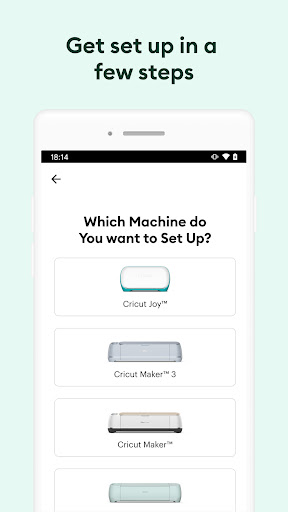
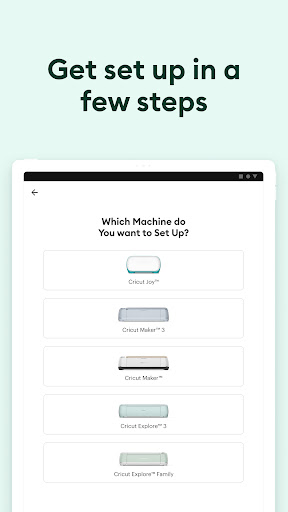
Connect seamlessly with your Cricut Explore™ or Maker™ machines via Bluetooth. Ready to cut or draw your designs in minutes. A must for anyone with a compatible Cricut machine seeking a smooth crafting experience. 📶