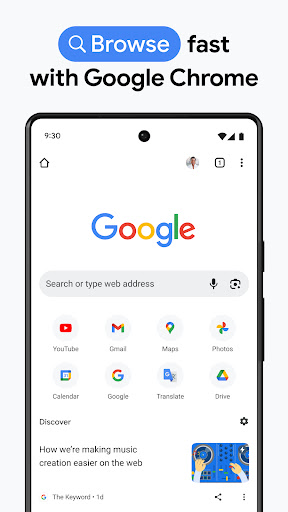






Tired of switching between apps to get info or complete online tasks? 🤔 Picture yourself moving from reading news to shopping to chatting effortlessly—all in a seamless flow! Chrome for Android makes this a reality, offering a super-fast, secure, and easy way to browse the web. 🚀 With over 5 billion installs, it's the top browser for millions seeking speed and customization. ✨ Discover how Chrome simplifies your digital day and keeps you connected. 🌟
Smart Search & Autofill
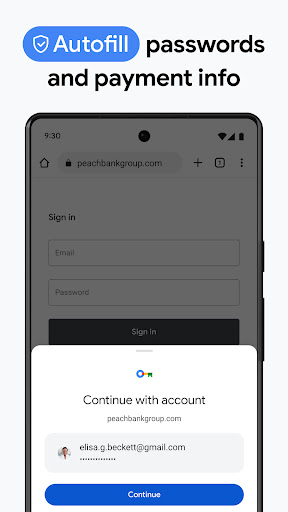
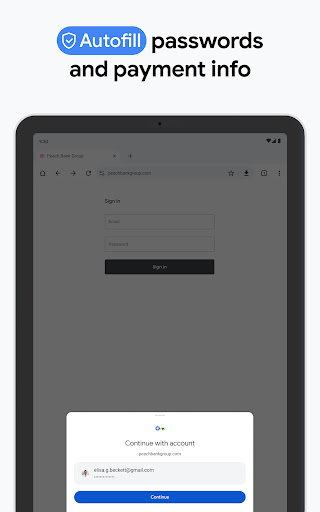
Sick of typing? Chrome predicts your searches and remembers your info, completing forms in a flash! ⚡ Great for fast lookups on the go or saving time during online shopping. A real time-saver for busy people! 🐝
Incognito Mode
Need to browse without leaving traces? 🕵️♀️ Incognito mode hides your history, perfect for private searches or on public networks. Browse freely, knowing your activities remain yours alone. 🔒
Cross-Device Sync
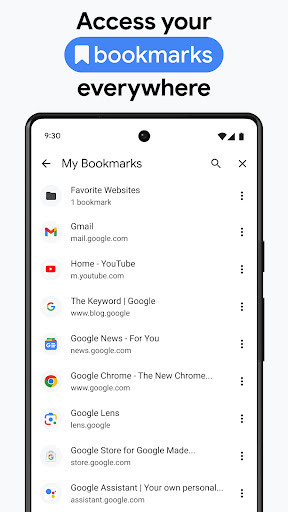
Access your favorite sites and passwords from anywhere! 💻📱 Sign into Chrome and sync bookmarks, history, and more across all devices. Your online world, always consistent. 🔄
Split View Multitasking
The new Split View feature lets you view and work with two tabs side by side simultaneously. This eliminates the need to switch between tabs when comparing products, checking documents, or multitasking in one window.
Integrated PDF Annotations
You can now highlight text, write notes, and quickly add digital signatures right within Chrome's PDF viewer. This enhancement brings convenience by removing the need to download files or use other apps for basic document edits.
Direct Save to Google Drive
A new 'Save to Google Drive' option allows you to send PDFs and downloads directly to a specific cloud folder. This ensures files are instantly backed up and accessible from any device, without consuming storage or requiring manual re-upload.
Material 3 Settings Redesign
The settings interface has been refreshed with Material 3 Expressive Design, featuring clean sections for 'Basics,' 'Privacy,' and 'Autofill.' This redesign provides a more intuitive browsing experience and a cohesive look that matches the latest Android OS.
AI-Powered Performance Tools
Chrome now includes smarter Memory Saver and Energy Saver modes that intelligently put unused background tabs to sleep based on your usage. This greatly improves battery life on phones and keeps your active tab fast and responsive.