safe
HiPaint -Sketch Draw Paint it! cover

HiPaint -Sketch Draw Paint it!

4.2
Advertisement
ComplianceLaw-aligned
CategoryArt & Design
Download1M+
Safety100% Safe
PriceFree
DeveloperAige
Advertisement

Screenshots

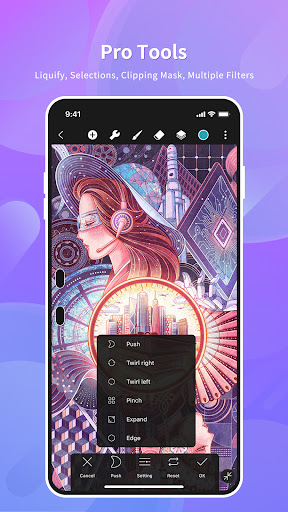
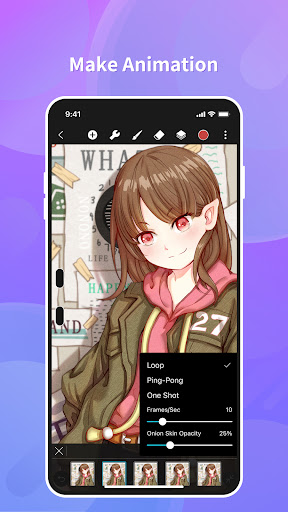
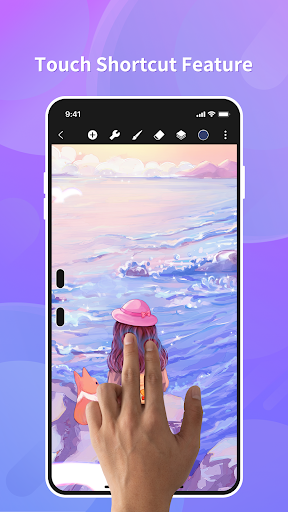
HiPaint -Sketch Draw Paint it! screenshot

About this app

Have you ever imagined making beautiful digital art directly on your phone? πŸ€” HiPaint turns your device into a mobile art studio, making professional drawing available for all! ✨ Whether you're doodling on the move or perfecting masterpieces, our easy-to-use interface and strong tools boost your creativity. Join over a million artists who have found the pleasure of simple digital creation. Get it now and let your creativity run wild! πŸš€πŸŽ¨

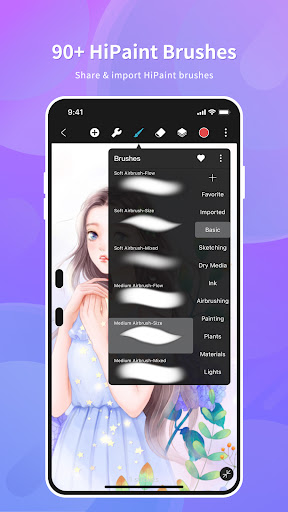
Vast Brush Library

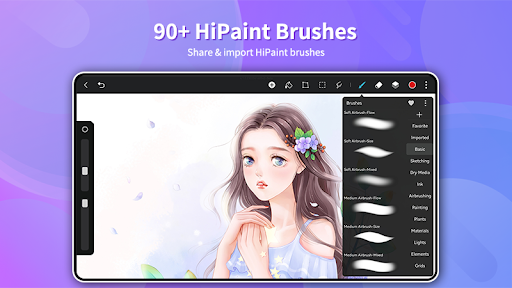
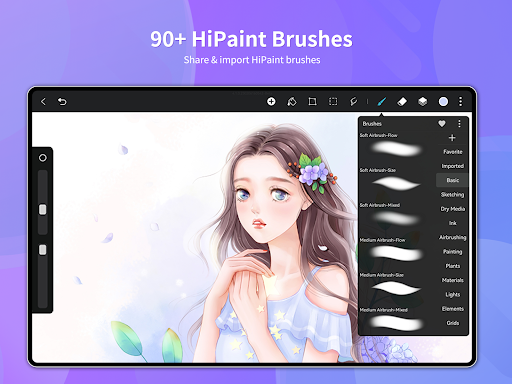
Discover over 90 distinct brushes, ranging from fine pencils to lively airbrushes, suitable for every art style! πŸ–ŒοΈ Adjust settings for lifelike effects and even create your own brushes. Great for artists wanting varied tools for detailed work and strong lines. Open up limitless creative options now! 🌟

Intuitive Layers

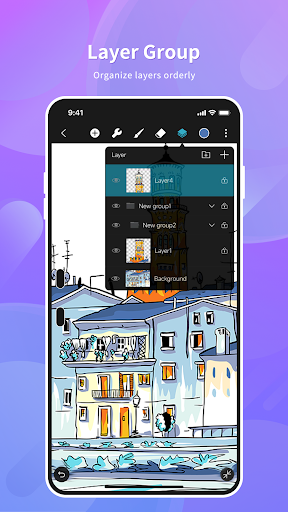
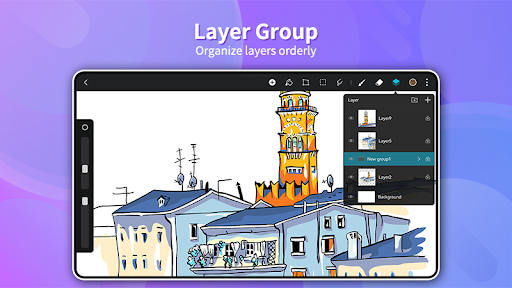
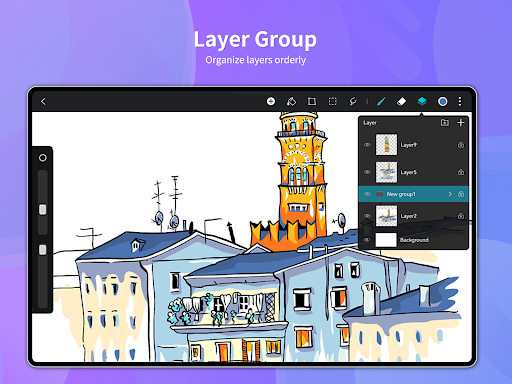
Handle up to 100 layers effortlessly with our well-arranged interface and over 20 blending modes. 🌈 Great for intricate drawings and professional layouts. Organize layers into groups to maintain a neat and efficient workflow. Perfect for mid-level to expert artists who need strong layer management for detailed work. Stay organized and create assuredly! ✨

Smart Color Tools

Easily pick colors using the Eyedropper, use the Paint Bucket tool, and get to your recent shades from our handy palette. 🎨 Never misplace your ideal color again! Great for artists who appreciate accuracy and quickness in choosing colors, guaranteeing uniformity and liveliness in each piece. Color your world flawlessly! 🌈
Advantages

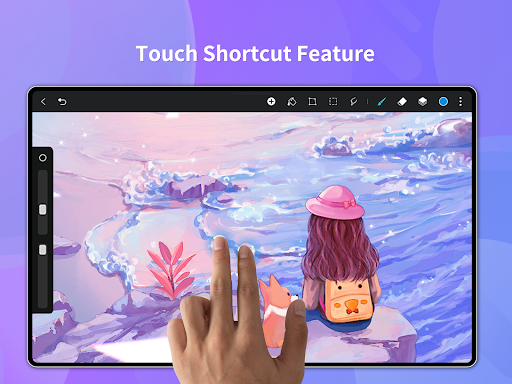
The UI is very neat, providing plenty of canvas room that really makes your art stand out. Changing brush size and opacity with swift sliders is easy, enabling effortless spur-of-the-moment creativity.
Thanks to more than 90 brushes and extensive customization settings, HiPaint serves many artistic styles. The option to create your own brushes greatly boosts creative liberty and personalization.
The layer system is strong and easy to use, handling many layers and blending modes. This enables intricate arrangements and professional-grade editing, turning it into a powerhouse for detailed tasks.

Updates

Updated: June 2026

Vast Brush Library

Discover over 90 distinct brushes, ranging from fine pencils to lively airbrushes, suitable for every art style! πŸ–ŒοΈ Adjust settings for lifelike effects and even create your own brushes. Great for artists wanting varied tools for detailed work and strong lines. Open up limitless creative options now! 🌟

Intuitive Layers

Handle up to 100 layers effortlessly with our well-arranged interface and over 20 blending modes. 🌈 Great for intricate drawings and professional layouts. Organize layers into groups to maintain a neat and efficient workflow. Perfect for mid-level to expert artists who need strong layer management for detailed work. Stay organized and create assuredly! ✨

Smart Color Tools

Easily pick colors using the Eyedropper, use the Paint Bucket tool, and get to your recent shades from our handy palette. 🎨 Never misplace your ideal color again! Great for artists who appreciate accuracy and quickness in choosing colors, guaranteeing uniformity and liveliness in each piece. Color your world flawlessly! 🌈

What Users Say

75
R

I adore the selection of brushes! Would like additional text features. πŸ‘

67
R

The layers are wonderful, simplifying intricate art. Could use extra filters perhaps? πŸ€”

85
R

Very user-friendly! Ideal for novices and experts. Excellent app! πŸ˜„

93
R

The color picker is superb. Could benefit from cloud sync though. ☁️

51
R

The performance runs smoothly, even with many layers. Very satisfied! 😊

Download this App

Similar Apps